 Nimbo
NimboOn iPhone with Nimbo
How to create a designed PDF with AI on iPhone
Short answer
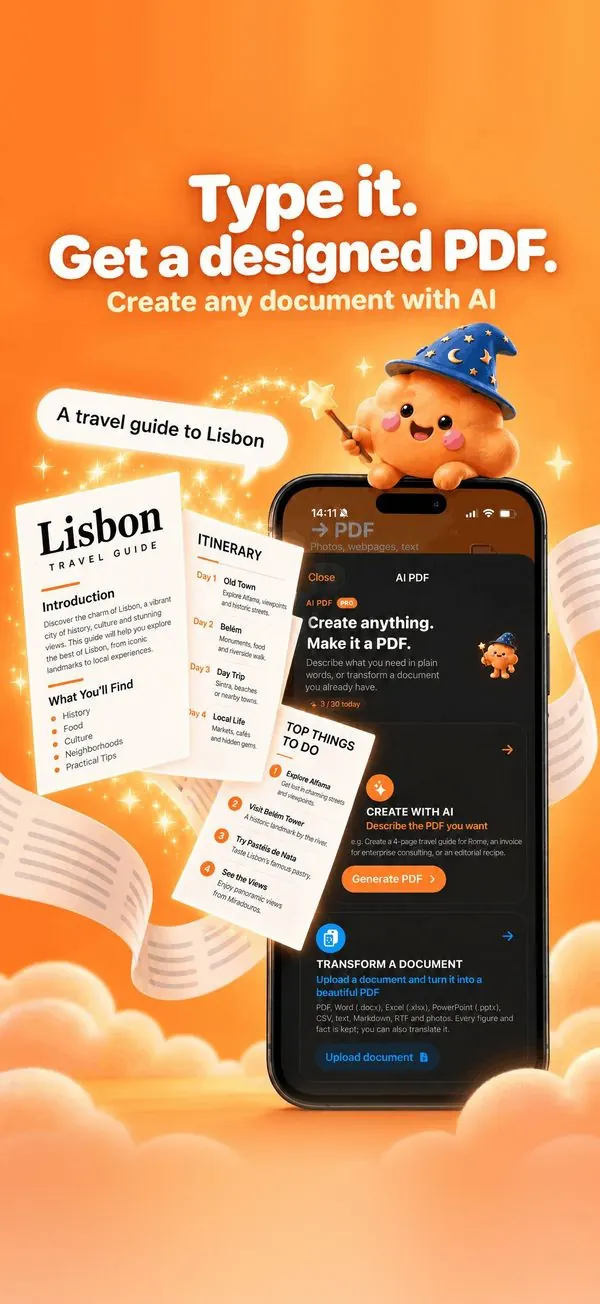
To create a PDF with AI on iPhone, open Nimbo, tap AI PDF, then Create with AI, and describe what you need, for example a 4-page travel guide to Lisbon. Nimbo writes and lays out the document, then lets you switch between 55 designs and edit any paragraph before saving.
Step by step
- Open Nimbo and tap AI PDF on the Home screen.
- Tap Create with AI and describe the document in plain words.
- Optionally choose the language, the style and the length.
- Tap Generate: the document appears, already laid out.
- Try another design from the style bar or More styles, edit any paragraph, then Save PDF.
Why Nimbo
- A real layout: cover, headings, tables, timelines and callouts.
- 55 designs, from boardroom report to magazine.
- Tap any paragraph to rewrite, shorten, expand or translate it.
Frequently asked questions
What can I create?
Reports, proposals, invoices, quotes, résumés, letters, travel guides, study guides, recipes and more.
Can I change the design afterwards?
Yes. Switch between 5 styles or 50 more designs without regenerating the text.
In which languages?
Choose the document language before generating; the whole document is written in it.