The PDF app for iPhone
Nimbo, The PDF app for iPhone. PDFs, without the busywork.
Turn anything into a clean PDF. Then ask it, translate it, sign it.
 Coming soon to the App Store
- No account
- No ads
- No tracking


- Scan
- Create with AI
- Ask
One app. Every PDF job.
Tap a feature to see it in action.
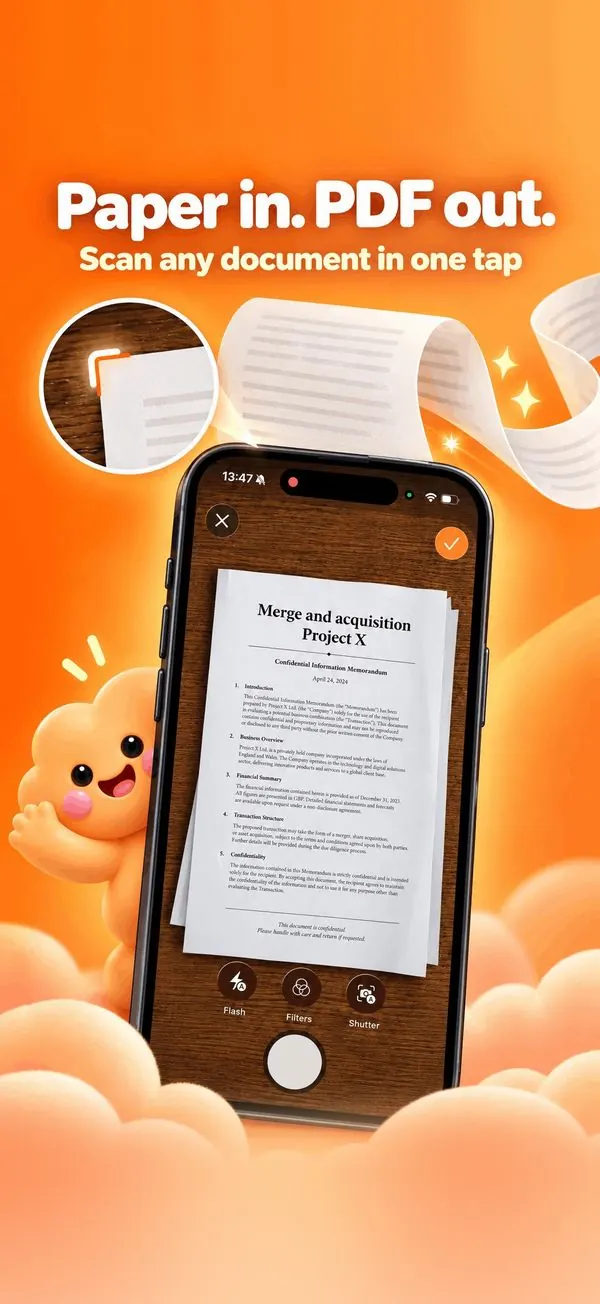
01Scan
Paper shouldn't stay paper.
Scan any document in one tap: edges found, pages cropped, one clean PDF.
Scan to PDF In Nimbo for iPhone

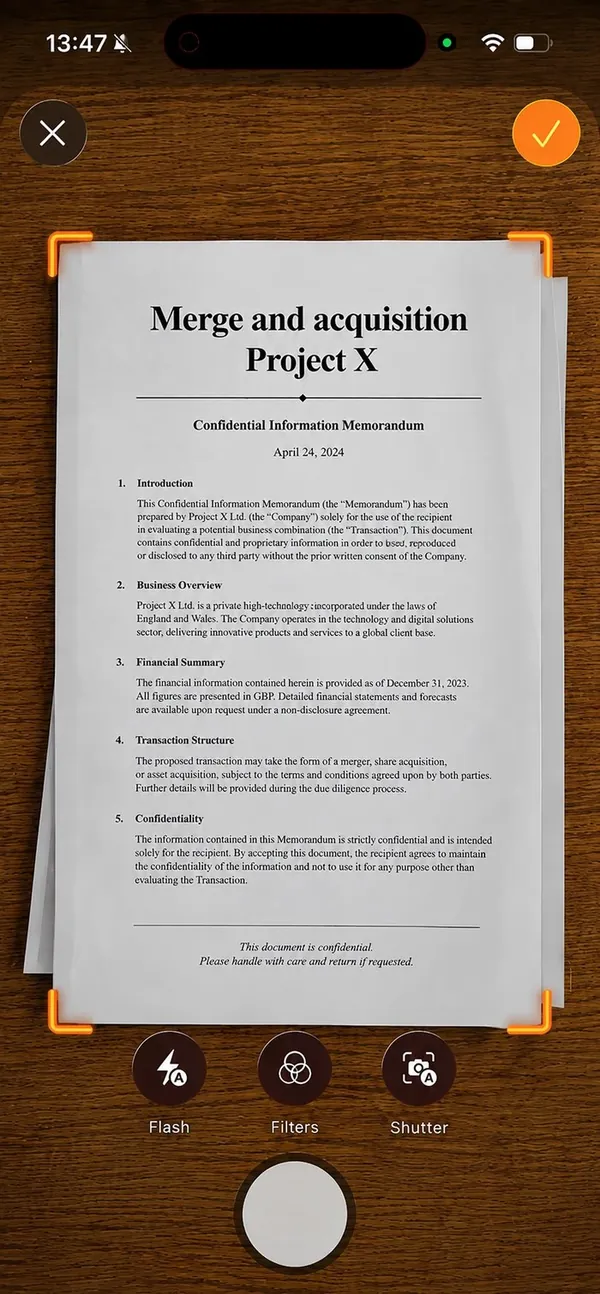
Scanning is free and runs entirely on your iPhone.
Multi-page scans in a single PDF.
Make the text searchable with on-device OCR (Nimbo Pro).
02Create with AI
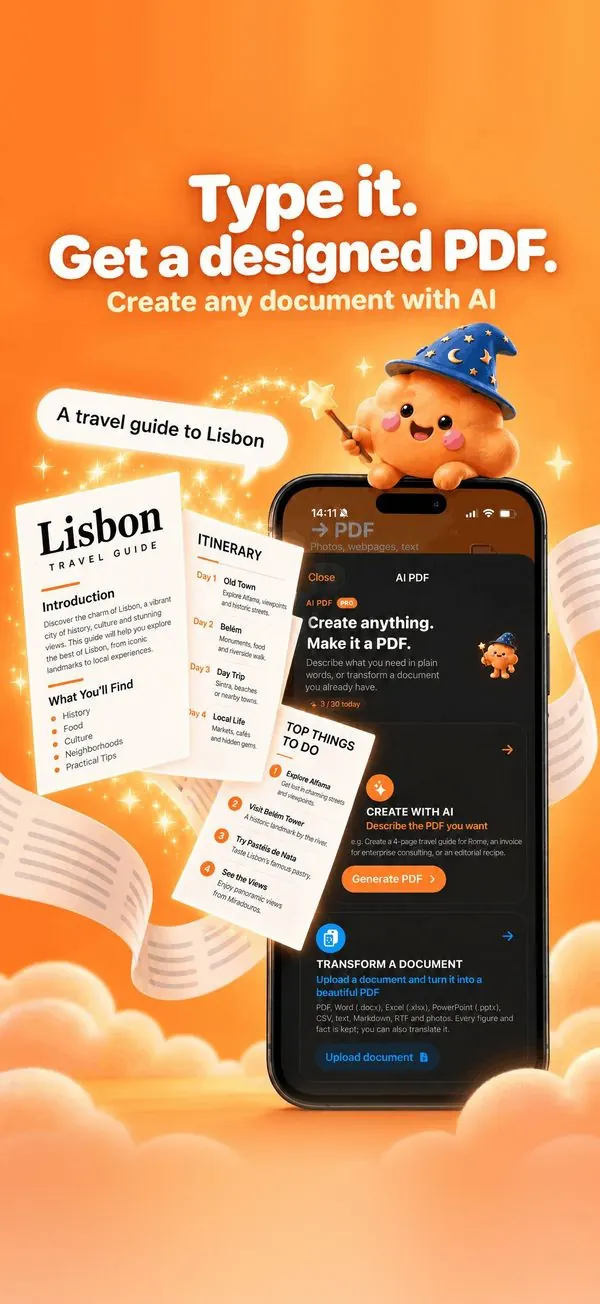
Start with a sentence.
Describe the document in a sentence; Nimbo writes and lays it out, in 55 designs.
Create a PDF with AI In Nimbo for iPhone
“A travel guide to Lisbon”
A real layout: cover, headings, tables, timelines and callouts.
03Ask · Translate
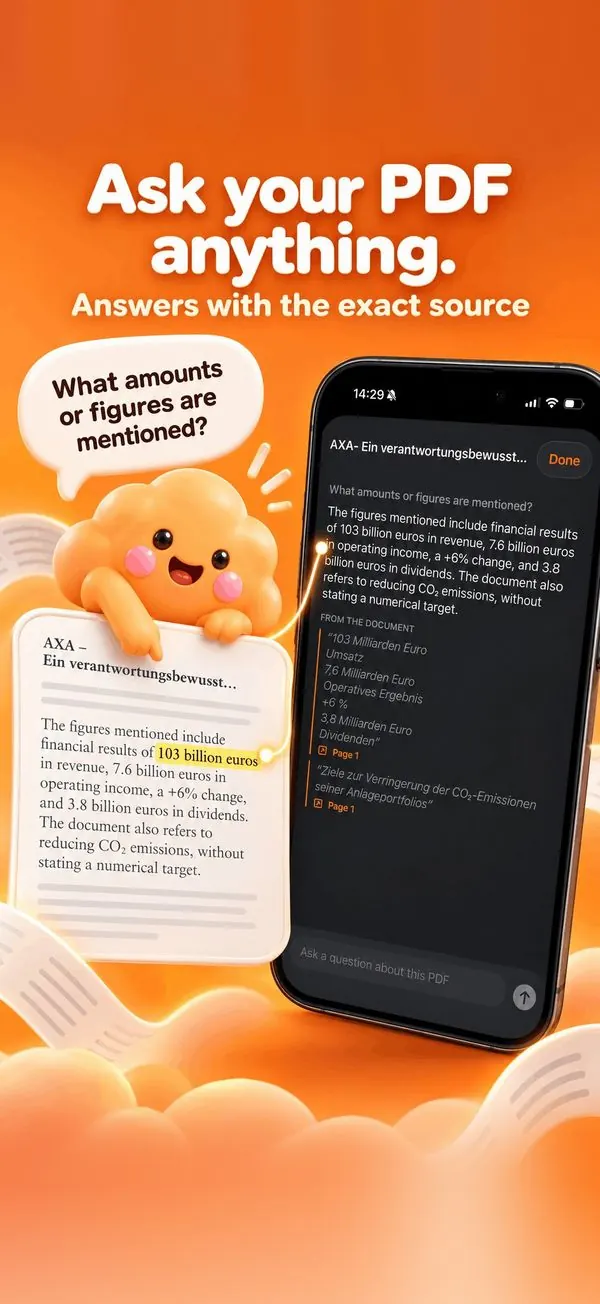
Your PDF can finally answer back.
Answers quote the exact passage and page, so you can check them.
Chat with a PDF In Nimbo for iPhone
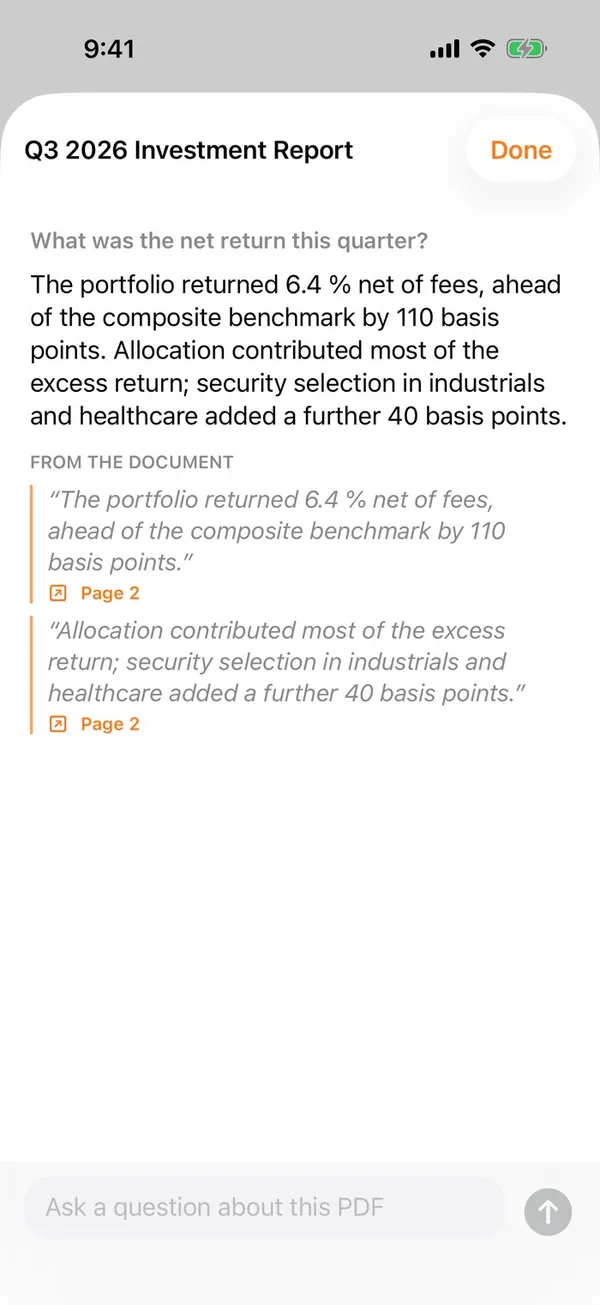
Every answer cites the source passage and page.
Follow-up questions keep the context.
Nothing is sent before you allow it.
04Webpage
Need one PDF right now?
Free. In your browser. No upload.
All PDF tools In Nimbo for iPhone

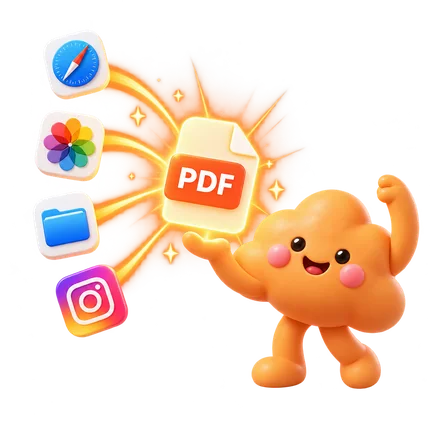
Reader mode removes ads, menus and banners.
Links stay clickable in the PDF.
Also works from Photos, Notes and Files.
Private by design
How your files are handled
- Web tools
Processing happens in your browser. Files are not uploaded.
- On iPhone
Scans, conversions, signatures and compression run on the device.
- AI features
The text is sent for processing only when you use them, after asking you.
- No account.
No ads, no tracking in the app or on this site.
No upload · No sign-up · Free
Free PDF tools. Right in your browser.
28 tools to merge, split, compress, convert, sign and edit PDFs. No sign-up, no upload, no watermark.
 Organize
 Convert to PDF
 Convert from PDF
 Optimize
 Edit
Edit Sign & secure
 Read & compare
No tool matches your search.
Processing happens in your browser: your files are not uploaded to a server.
Free on the web. Even better on iPhone.
The web tools cover the basics. The app does the rest, right where your documents are.
Free web tools
No sign-up · No upload
Nimbo for iPhone
- Scan paper with edge detection
- Create a designed PDF from one sentence
- Ask a PDF, answers with page sources
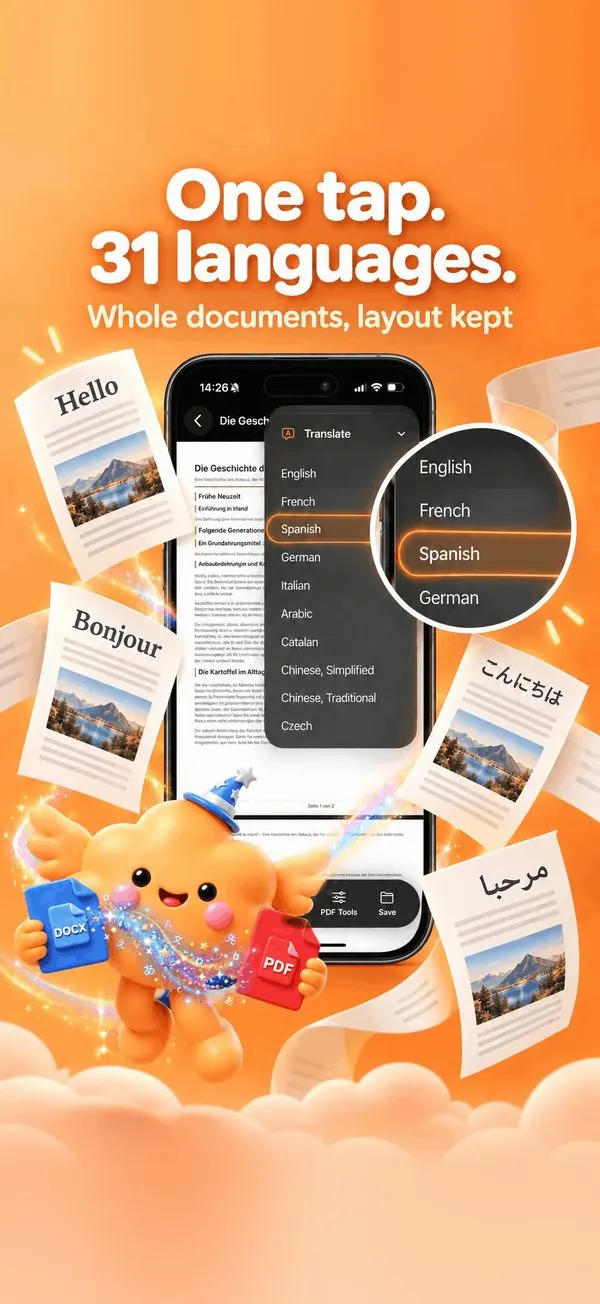
- Translate a whole PDF, layout kept
- Sign with a saved signature
- Share extension: send any file to Nimbo
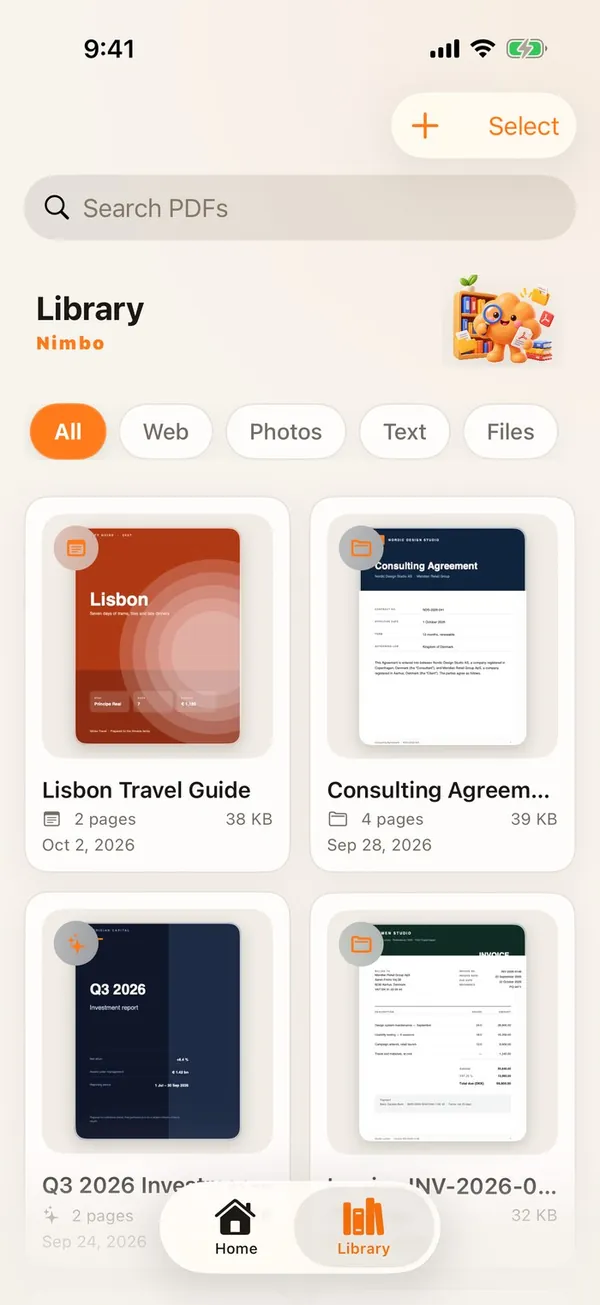
- One library for all your PDFs
Everything happens where you already work: on your iPhone.
Coming soon to the App StoreNimbo Pro
Make PDFs without making PDF problems.
- Create beautiful documents.
- Understand long PDFs.
- Translate them.
- Sign them.
- Keep everything together.
Coming soon to the App Store
Nimbo Pro: create, transform, ask and translate with AI, the Share extension and every PDF tool. Scanning and converting are free. Nimbo Pro unlocks the AI (create, transform, ask, translate), the Share extension and every PDF tool. Weekly, monthly (with a 3-day free trial for new subscribers) or yearly.

PDF guides
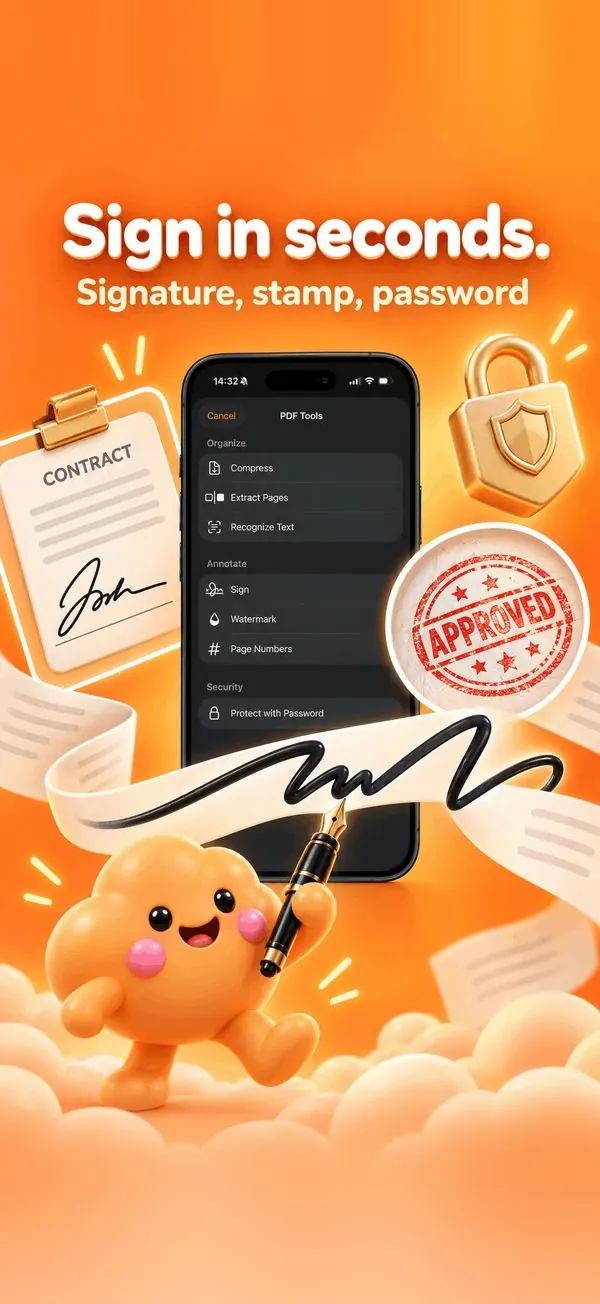
All guides- 01How to sign a PDF on iPhone (in seconds)Sign any PDF on your iPhone with your finger: draw once, reuse your saved signature, add a stamp, then share or password-protect the signed file.
- 02How to split a PDF into several filesSplit a PDF into one file per page, by page ranges or every N pages: in your browser for free, or with Preview on a Mac.
- 03How to translate a whole PDF on iPhone and keep the layoutTranslate an entire PDF into 31 languages on iPhone, with headings, lists and tables kept in place. Works on scans and Word files too.
- 04How to reduce a PDF under 5 MB (or 1, 2, 10 MB)Make a PDF small enough for an upload form or an email: target a size like 5 MB, see the saving, and know what quality trade-off you are making.
- 05How to scan a document to PDF on iPhoneTurn paper into a clean, cropped PDF with your iPhone camera: automatic edge detection, several pages in one file, text you can search.
- 06How to reorder, add and remove pages in a PDFRearrange PDF pages by drag and drop, insert pages from another PDF, duplicate, rotate or delete pages: in your browser or on a Mac.
Your next PDF is one tap away.
Scan, sign, translate and create on iPhone. Free to start, no account.
Coming soon to the App Store