 Nimbo
NimboOn iPhone with Nimbo
How to make a résumé PDF on iPhone with AI
Short answer
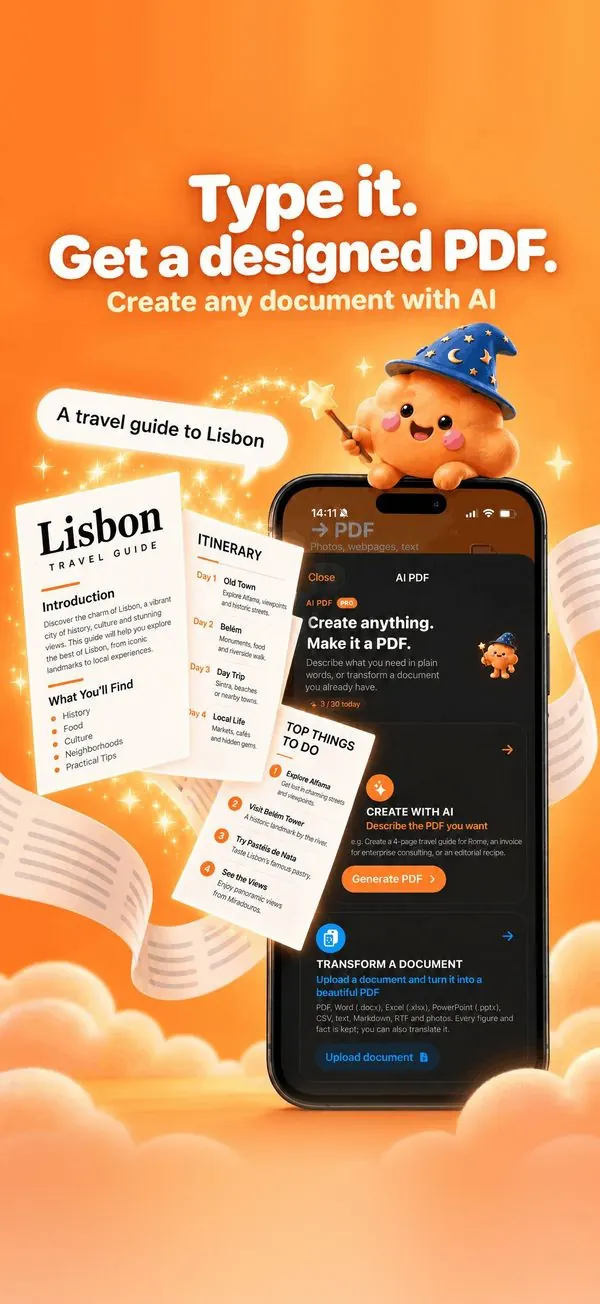
To make a résumé PDF on iPhone, open Nimbo, tap AI PDF, then Create with AI, and describe your experience in a few lines. Nimbo writes a structured résumé with a professional layout; pick another design, edit any line, and save it as a PDF ready to send.
Step by step
- Open Nimbo, tap AI PDF, then Create with AI.
- Describe your jobs, studies and skills in plain words.
- Choose the language of the résumé.
- Generate, then pick a design (Minimal, Professional, or More styles).
- Tap any line to rewrite or shorten it, then Save PDF.
Why Nimbo
- Structured sections: profile, experience, education, skills.
- Designs made for résumés.
- Edit any line with AI in one tap.
Frequently asked questions
Will the AI invent experience?
It works from what you write. Always review the result before sending it.
Can I make a cover letter too?
Yes. Ask for a cover letter in the same way.
Which format do recruiters accept?
PDF is the safest format: it looks the same on every device.