 Nimbo
NimboOn iPhone with Nimbo
How to make an invoice PDF on iPhone
Short answer
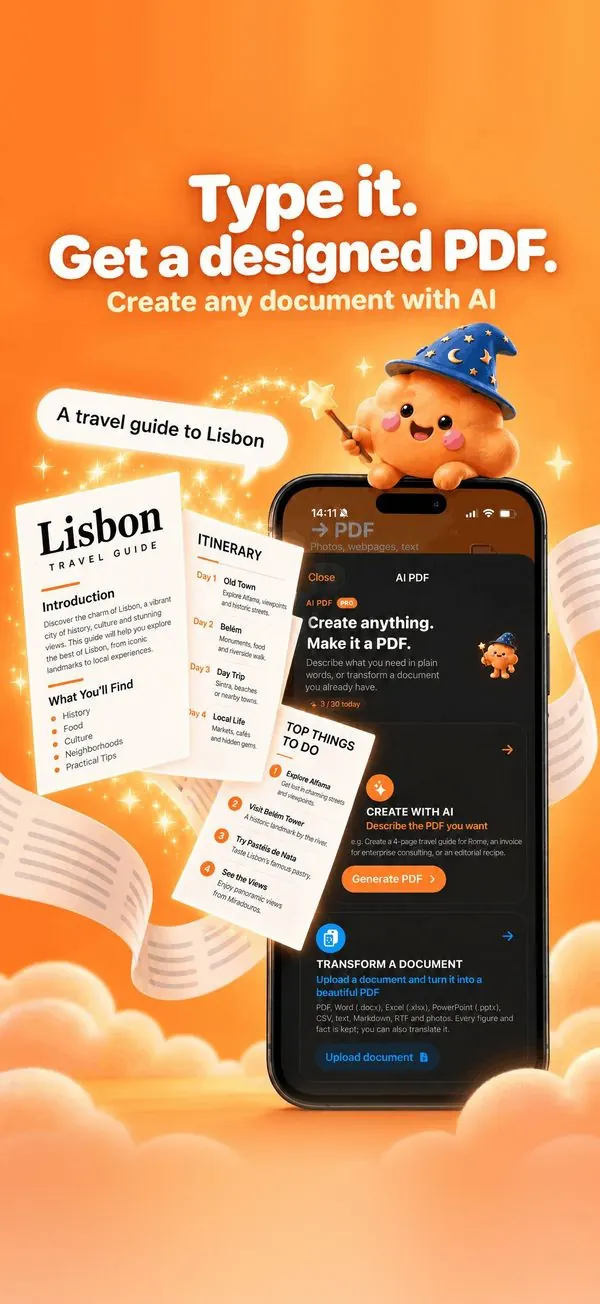
To make an invoice PDF on iPhone, open Nimbo, tap AI PDF, then Create with AI, and describe it: who it is for, the items, prices and due date. Nimbo lays out a professional invoice with totals; check the numbers, adjust any line, and save the PDF to send.
Step by step
- Open Nimbo, tap AI PDF, then Create with AI.
- Describe the client, the items with prices, the tax and the due date.
- Generate: the invoice comes with line items and totals.
- Check every amount, edit any line, and add your company details.
- Save PDF and send it.
Why Nimbo
- Invoice and quote layouts with totals.
- Your own branding, never invented.
- Freelancers: send it from your phone in minutes.
Frequently asked questions
Does Nimbo calculate totals?
The layout shows line items and totals from what you give; always check the amounts.
Is it a legally compliant invoice?
Legal mentions depend on your country; add the ones required for your business.
Can I make a quote instead?
Yes. Ask for a quote or estimate in the same way.