 Nimbo
NimboOn iPhone with Nimbo
How to merge PDF files on iPhone
Short answer
To merge PDF files on iPhone, open the first PDF in Nimbo, tap PDF Tools, then Merge, and pick the other PDFs in the order you want. Nimbo joins them into one document that you can reorder, trim and share.
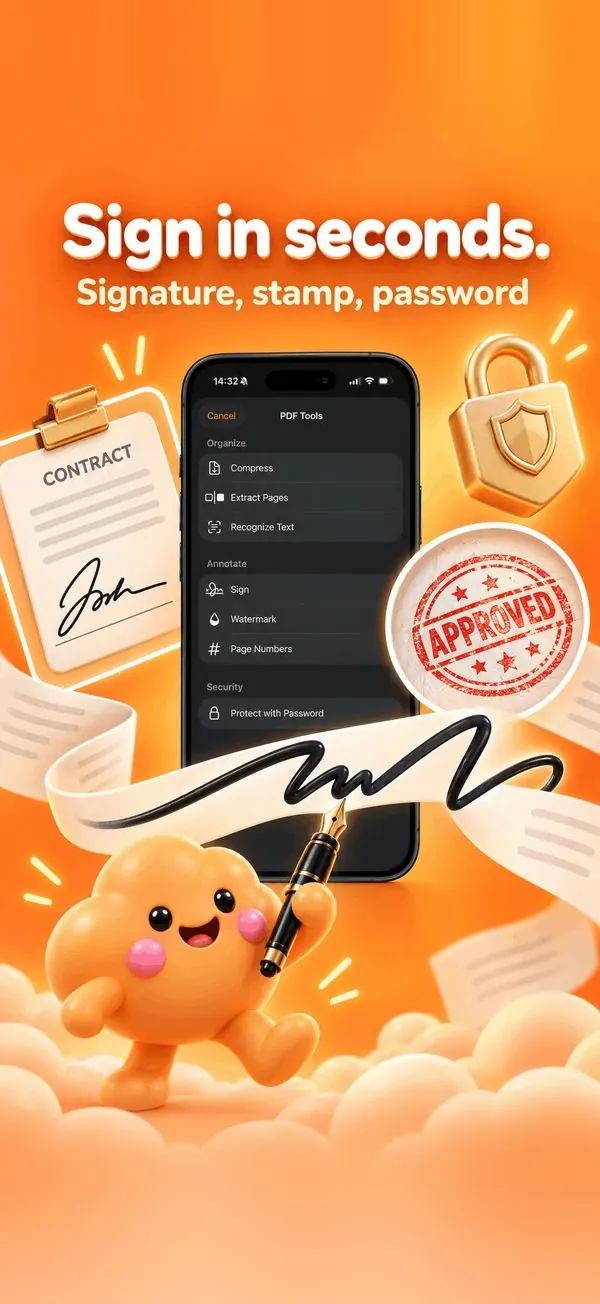
Step by step
- Open the first PDF in Nimbo.
- Tap PDF Tools, then Merge.
- Select the other PDFs, in order.
- Reorder or delete pages with Organize pages if needed.
- Save and Share the merged PDF.
Why Nimbo
- On-device: no upload.
- Reorder and remove pages in the same place.
- Works with scans, web pages and AI documents.
Frequently asked questions
Can I merge a scan with a Word file?
Yes: convert the Word file to PDF in Nimbo first, then merge.
Does merging reduce quality?
No. Pages are combined as they are.
Is it part of Pro?
Merge is part of the PDF Tools in Nimbo Pro.