 Nimbo
NimboOn iPhone with Nimbo
How to password-protect a PDF on iPhone
Short answer
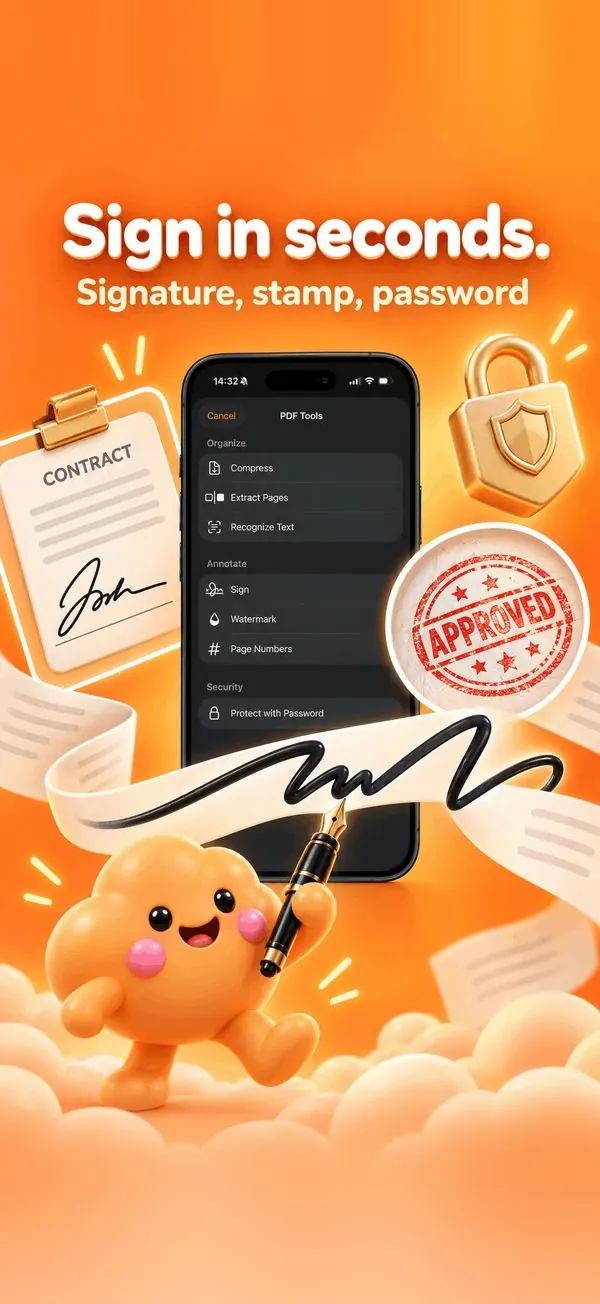
To password-protect a PDF on iPhone, open it in Nimbo, tap PDF Tools, then Protect with Password, and type the password twice. Nimbo saves an encrypted copy that asks for the password when opened, on any device.
Step by step
- Open the PDF in Nimbo.
- Tap PDF Tools, then Protect with Password.
- Enter and confirm the password.
- Save the protected copy, then Share it.
- Send the password separately (by message, not in the same email).
Why Nimbo
- Standard PDF encryption, readable everywhere.
- Done on your iPhone.
- The unprotected original stays in your Library.
Frequently asked questions
Can the recipient open it on Windows?
Yes. Any PDF reader asks for the password.
What if I forget the password?
It cannot be recovered; keep the original or note the password.
Is the file uploaded?
No. Encryption is done on your iPhone.