 Nimbo
NimboOn iPhone with Nimbo
How to summarize a long PDF on iPhone
Short answer
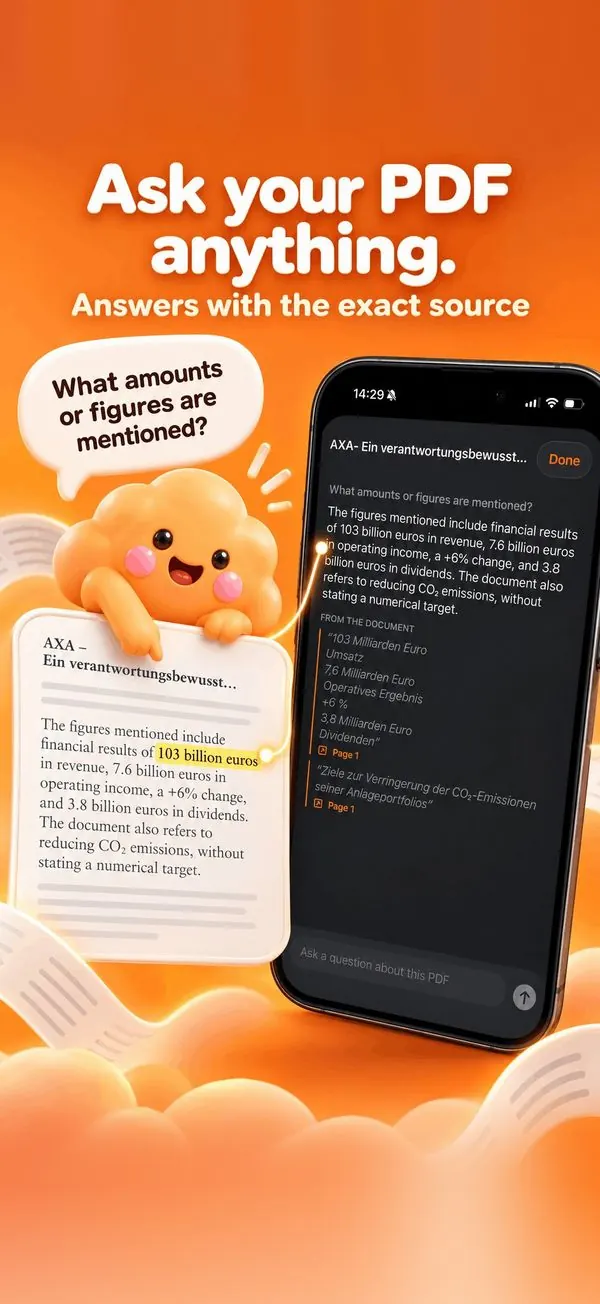
To summarize a PDF on iPhone, open it in Nimbo, tap the AI button, then Ask about this PDF, and ask for a summary of the key points. The answer lists them with the quoted passages and pages they come from; for a new document, Transform with AI can also turn it into a short brief.
Step by step
- Open the PDF in Nimbo.
- Tap the AI button, then Ask about this PDF.
- Ask: Summarize the key points in 5 bullets.
- Check each point against its quoted passage.
- Or use Transform with AI to produce a shorter PDF brief.
Why Nimbo
- Sourced points you can verify.
- Follow-up questions on any detail.
- Works on scans after OCR.
Frequently asked questions
How long can the PDF be?
Long reports work; Nimbo focuses on the passages relevant to your request.
Can I get the summary as a PDF?
Yes, with Transform with AI and a shorter length.
Is the document kept by the AI provider?
No. The provider does not train on it and requests are not stored.