 Nimbo
NimboOn iPhone with Nimbo
How to compress a PDF on iPhone to email it
Short answer
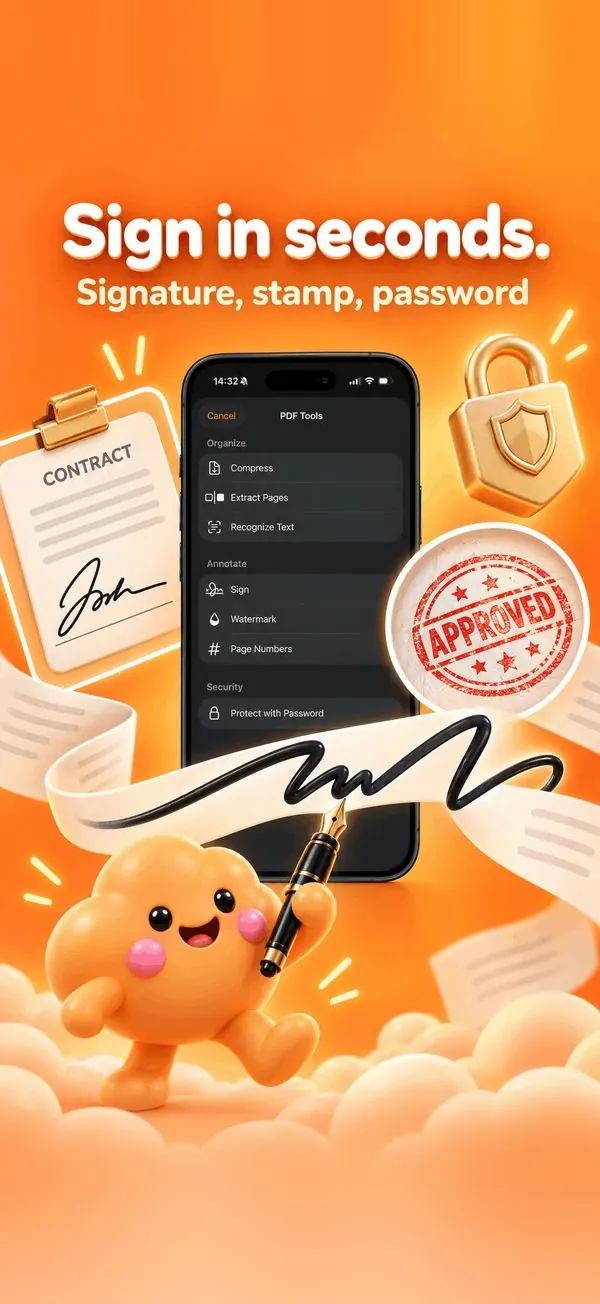
To compress a PDF on iPhone, open it in Nimbo, tap PDF Tools, then Compress. Nimbo reduces the size of the images inside the file while keeping text sharp, on your iPhone, so you never have to upload a private document to a website.
Step by step
- Open the PDF in Nimbo.
- Tap PDF Tools, then Compress.
- Check the new size shown by Nimbo.
- Save the compressed copy, then Share it by email.
Why Nimbo
- No upload to an online compressor.
- Text stays sharp; images are optimized.
- Keeps the original untouched.
Frequently asked questions
How much smaller will my PDF be?
Scans and photo-heavy PDFs shrink the most; text-only PDFs are already small.
Is the original file changed?
No. Nimbo saves a compressed copy.
Is it safe for confidential files?
Yes. Compression runs on your iPhone; the file is not uploaded.