 Nimbo
NimboOn iPhone with Nimbo
How to convert a Word document to PDF on iPhone
Short answer
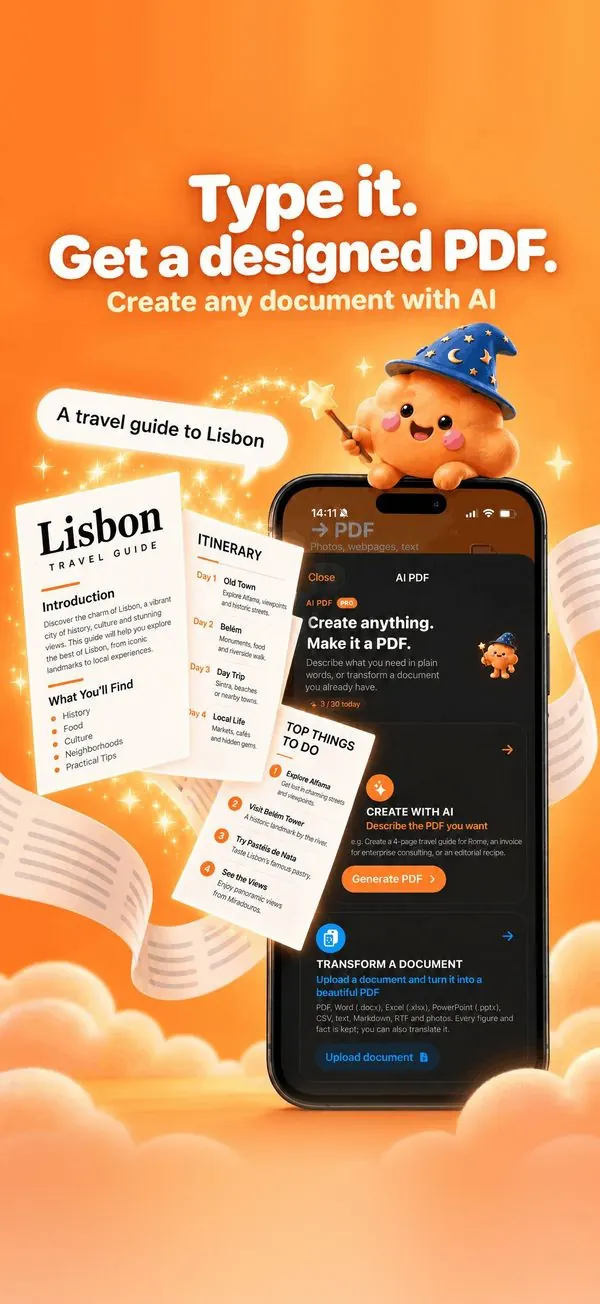
To convert a Word document to PDF on iPhone, open Nimbo, tap Import File and pick the .docx from Files. Nimbo turns it into a PDF on your iPhone. To go further, use Transform with AI: the same content comes back redesigned in the style you choose.
Step by step
- Open Nimbo and tap Import File.
- Pick the Word, Excel or PowerPoint file in Files.
- Nimbo converts it to PDF on your iPhone.
- Optional: AI PDF > Transform to redesign it (Nimbo Pro).
- Save and Share.
Why Nimbo
- Word, Excel, PowerPoint, text and Markdown.
- Conversion on your iPhone.
- Optional AI redesign that keeps every figure.
Frequently asked questions
Do I need Microsoft Office?
No. Nimbo converts the file itself.
Are tables and numbers kept?
Yes. Transform with AI keeps every figure and fact of the original.
Can I translate it at the same time?
Yes: translate the PDF right after, into 31 languages.